Best apps for ADHD to boost productivity and mindfulness
B2C | Tech | Listicle | Trends | SEO | Long form

Everyone loves getting things done but people with ADHD need extra support to make it happen. Get that “I did it!” feeling with the best productivity tools and apps for ADHD.
Here’s a reframe for you: ADHD is a superpower, not a curse. People with ADHD may struggle with distractions and focus, but they’re also highly creative and think outside the box. What company wouldn’t want those skills? There is no bulletproof app to solve ADHD. Even as I sat down to write this article, I suddenly found myself researching standing desks and playing with an AI pitch deck designer. Distractions still happen but with a few powerful productivity tools and apps for ADHD, you can learn to leverage your neurodivergent brain to get things done your way.
ADHD is what’s known as an invisible disability. Invisible disabilities are neurological, cognitive, or physical conditions that affect people's lives but aren't immediately noticeable to others. The good news about ADHD is some strategies and tools level the playing field for you at work. With the right attitude and the best productivity apps to manage your symptoms, you can thrive with ADHD.
How apps can help with ADHD
Time management tools, distraction blockers, and task trackers can all help with the daily challenges of ADHD. The right tools for you will depend on how your neurodivergence manifests in your daily life. If time blindness and hyperfocus are your biggest issues, screentime trackers and Pomodoro timers might work! If you’re more of a task hopper, you should check out distraction blockers and to-do apps. Explore the full list to find the right tools for your situation.
Tips for working more efficiently with ADHD
Compartmentalize when possible
This is a tall order for people with ADHD but compartmentalizing can help you focus on the task at hand and keep work and personal life separate. Working on one thing at a time, in measured chunks, can help you finish your work sooner and build momentum for the next tasks.
Get visual
A lot of ADHD experts say to use written notes around your desk and home but this is 2023 and there are lots of apps for that. Leverage apps and tools that have beautiful and eye-catching interfaces and notifications. You’ll need the dopamine hits when you’re trying to get back on track.
Develop strong routines
Routines will be an essential part of working smarter with ADHD. As boring as following routines may be for people with ADHD, creating structure in your day can make your working hours more efficient. Plan some time to be creative and spontaneous, don’t make routines too rigid, accept that failures will happen, and celebrate your small wins when you follow routines.
Ask for workplace accommodations for ADHD
Invisibility disabilities are disabilities too, and you should consider talking to your employer about workplace accommodations to help. This might look like requesting a company stipend for ADHD productivity apps or tools. Or simply being direct and open with your manager about communication styles that work best for you.
Try body doubling
Body doubling is exactly what it sounds like. Find a friend (virtual or in-person) to keep you company when you work on things. Having someone with you can help you stay accountable and keep you focused.
Learn more about ADHD
Whether you’ve had ADHD for a while, suspect you might have it, or are just learning about your diagnosis, there is a wealth of knowledge out there to empower you. My new favorite is the ADHD Chatter Podcast started by Alex Partridge, founder of Unilad and Ladbible.
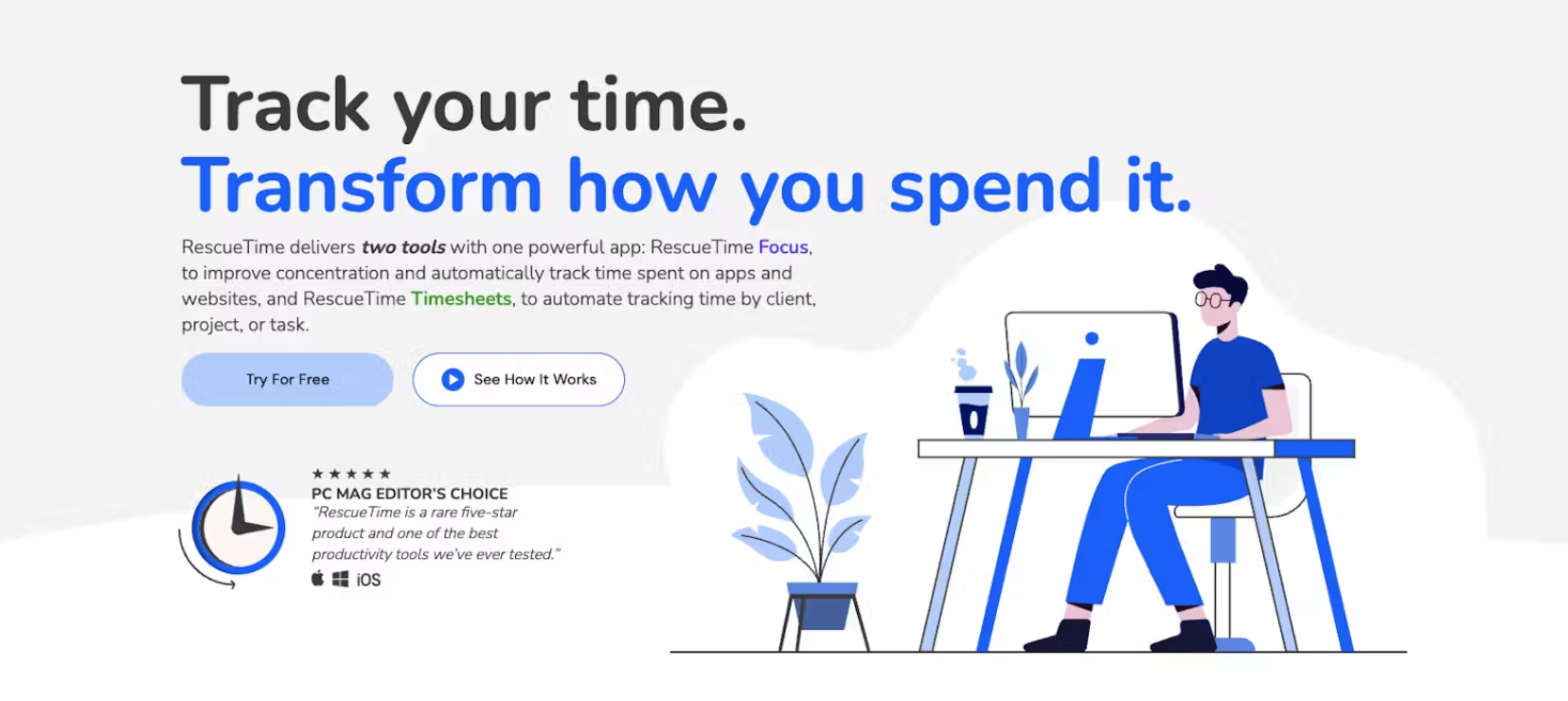
1. RescueTime
Best overall ADHD app
Pros: Connects to Spotify, Website blocking, Focus reports about your time
Cons: Doesn’t block notification sounds, Privacy concerns with website tracking, You can manually end focus sessions
Key features: Focus Assistant, Cowork with other RescueTimers, Focus sessions on demand
Cost: $12 per month
RescueTime is a fan-favorite app in the ADHD community and for good reason. The app allows you to see how you spend your time on your computer and categorize your time spent in an easy-to-read chart. RescueTime runs in the background while you work, a lot like Screen Time on your iPhone does. You can tweak the settings to help the app learn what is Focus Time for you and what isn't so you can measure more accurately. When you review your time spent, you can rate your online activities as very distracting or very productive to help the app learn.
Website blocking is a fun feature in the app. Once you set up a working session, you have a countdown and a lovely graphic of a person working to remind you to keep working (hello visual reminders!). The website blocker still allows audio notifications to come through but if you try to click on a distracting site or app, RescueTime redirects you to your visual countdown timer. At the end of your session you'll see how many times you veered from your work, which is an eye-opening stat. You can also set parameters like start and stop times for work, dedicated days off, and even create focus goals for yourself. The RescueTime assistant shows your daily meeting schedule, your focus goal status, and productivity tips to optimize your workday.
Read RescueTime reviews from our community
2. opal
Best screentime management app for ADHD
Pros: Free version, Focus Score, Weekly Reports, Coaching opportunities
Cons: Pro version is expensive, iPhone only
Key features: App Grouping, Schedules, Attention Weather report
Cost: Free lite version, Pro starts at $99.99 per year
How many hours do you spend on social media a day? Don’t answer that, instead, look at Opal to help you manage your screen time and stop scrolling. Opal initially launched as an app for kids and teens but the team quickly discovered that Opal could help adults, too. The iOS app connects to your Apple Screen Time API to block apps and websites on demand or at regular intervals each day. This can make it easy to lock down your working hours and even enjoy a pre-scheduled screen time break in the middle of your day.
Opal also uses gamification to motivate you with Focus Score. The higher your score the more focused you were throughout the day and you can track this progress over time to see how you’ve improved. The scary part of this game is that Opal also tracks your projected screen time usage in years. It’s scary to see how many years you spend on your small screen but the stat makes you realize what you might be missing out on when you stare at your phone all day.
Read Opal reviews from our community
3. calm
Best mindfulness app for ADHD
Pros: High-quality content, Strong curation, Helps you build healthy habits, Works for sleep, meditation, and movement
Cons: Paid only, Requires sign up to join
Features: Daily meditation, Content curation based on your mood, Daily messages, Sleep Stories
Cost: $69.99 per year
My dad used to always tell me to “SLOW DOWN” when I was growing up and years later I finally learned to do that with Calm. ADHD can be a fun, frenzied experience but slowing down and taking in the moment can be a powerful way to take back your focus. Calm has meditations, sleep sounds, stories read by celebrities, and more. Calm takes you through a questionnaire in the onboarding process to understand what content will work best for you.
You’ll get access to four new medications and Daily Calm messages with inspirational quotes each day. Original meditation sessions are released every day so you have fresh content to enjoy. And the app does a great job of curating content based on your self-reported moods.
Read Calm reviews from our community
4. focusmate
Best body doubling app for ADHD
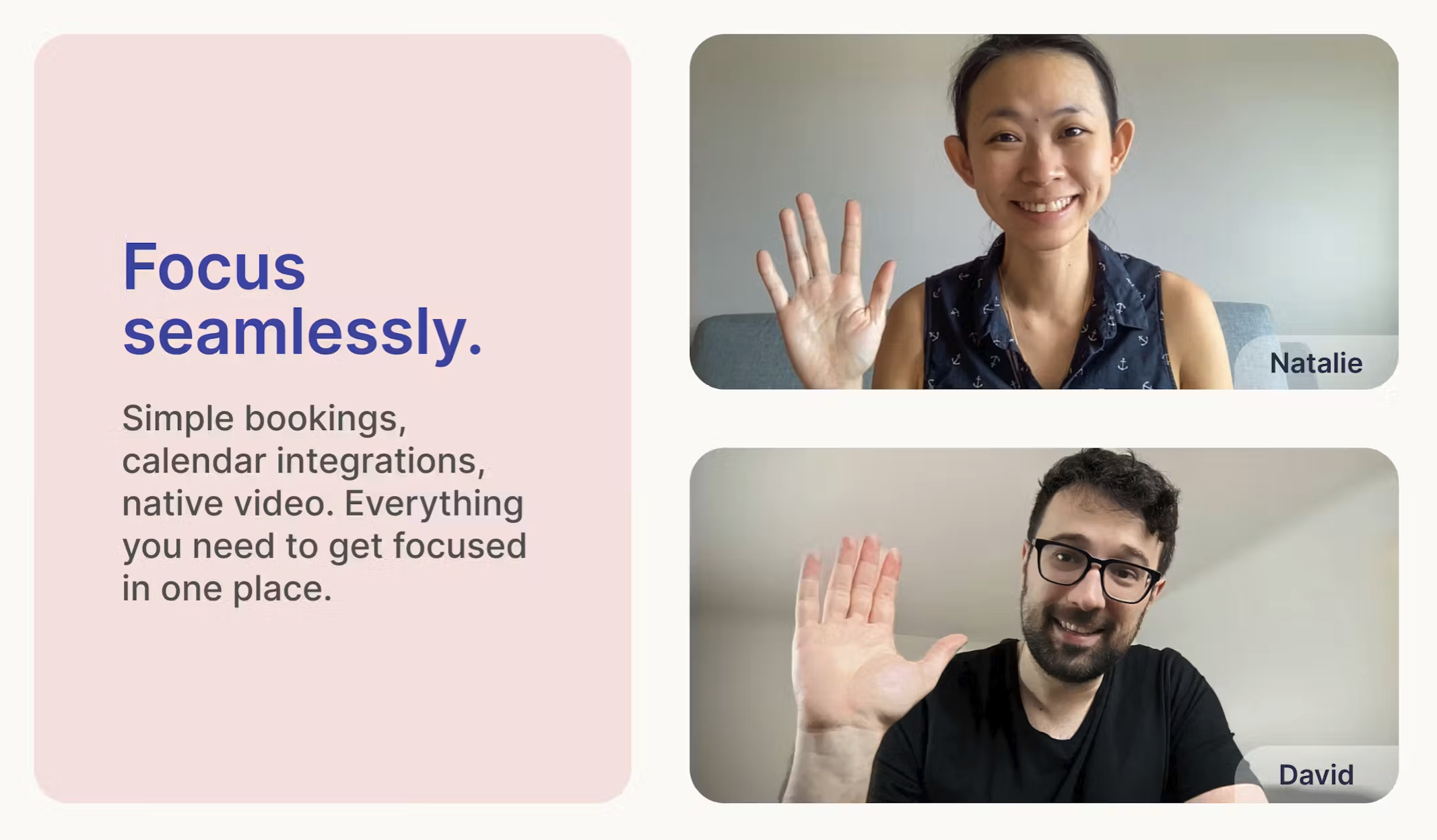
Pros: Native video, Start a focus session on demand or preschedule it, Works with Apple, Google, and Outlook calendars
Cons: Video chatting can be awkward for some, Free options limited to 3 sessions per week
Key features: Accountability video calls, Preschedule your focus sessions, Select your time block, Matching preferences (coming soon!)
Cost: Free (for up to 3 sessions a week) $6.99 a month (billed yearly) or $9.99 a month (billed monthly) for more sessions
Body doubling is not a new concept but it’s certainly trending on TikTok and the interwebs. It makes sense–the pandemic forced us to lose our company-sponsored body doubles in the office so new apps are popping up to help people connect and get more done. Focusmate is my pick for the best body doubling app for ADHD.
Read Focusmate reviews from our community